Developed for Sullivan
Made for This, Duke
Made for This is Duke University's fundraising campaign site — campaign priorities, alumni giving, and the stories behind them. I built the homepage hero, the site header, the story carousel, and the article template. Those components are still running on the live site, so everything below can be opened and tested on madeforthis.duke.edu.
Homepage Hero
The hero is a GSAP timeline pinned to the top of the page. A muted video plays under the headline, then hands off to a slow cross-fade through campaign photography as you scroll past it. One button stops all of it, and it knows where it is — press it during the video and the video pauses, press it during the photo sequence and the timeline pauses. Motion has one control, not one per animation.
Main Menu
The header hides when you scroll down and comes back when you scroll up, and it publishes its own height as a CSS variable so the rest of the page offsets against it instead of hard-coding a number. Submenus are buttons and open on click, not hover, so the same interaction works with a mouse, a keyboard, and touch. On narrow screens the menu becomes a panel: focus moves
to the close button when it opens, Tab cycles inside the panel, and focus returns to the button that opened it when it closes.
Featured Story Carousel
Slides that are scrolled out of view have their links taken out of the tab order, and get them back when they come into view, so Tab does not walk into cards you cannot see. The previous and next buttons are reachable and operable with a keyboard, each slide is a group labeled “slide 3 of 6,” and the carousel does not auto-rotate — it moves when you move it. The gradient that draws under a headline on hover is decoration on top of a link that already works without it.
Quote & Leadership Grid
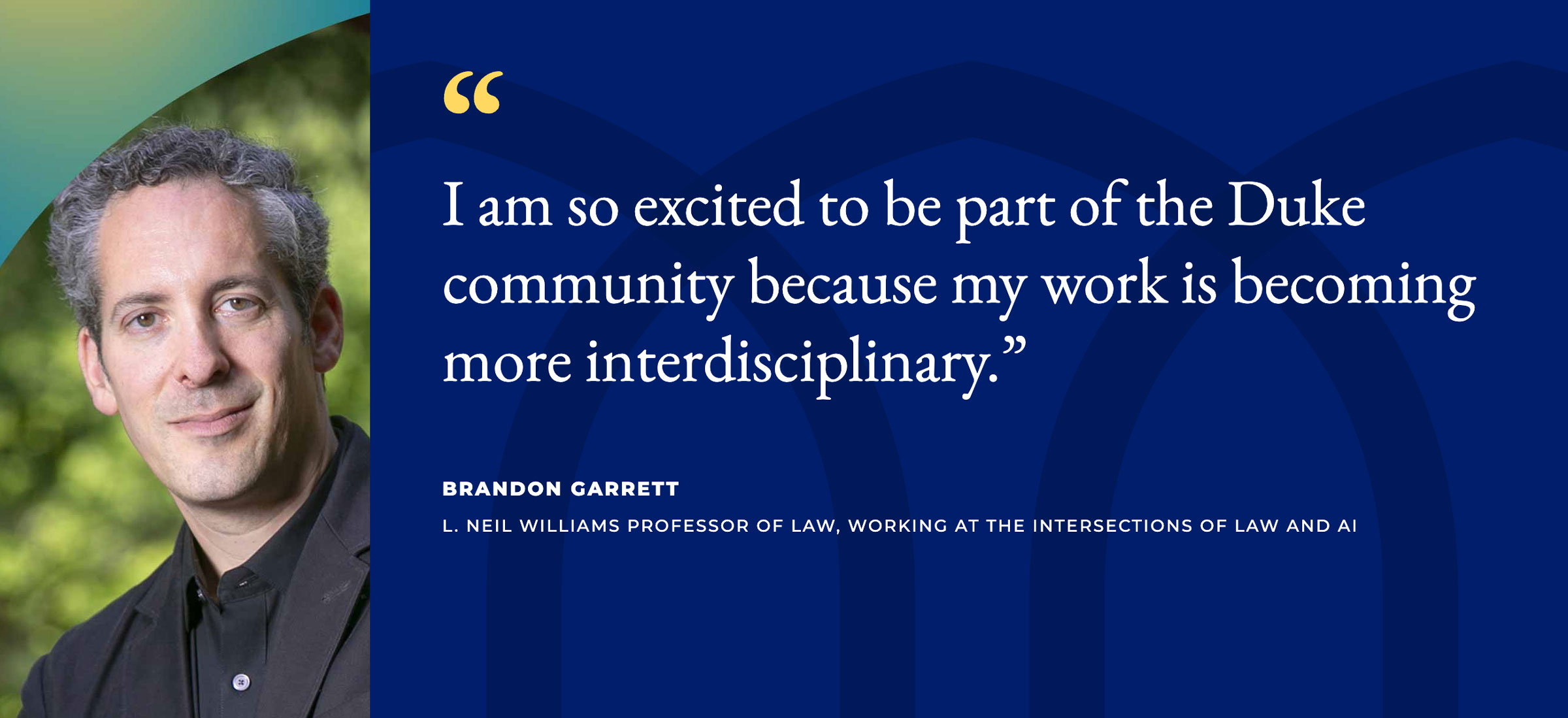
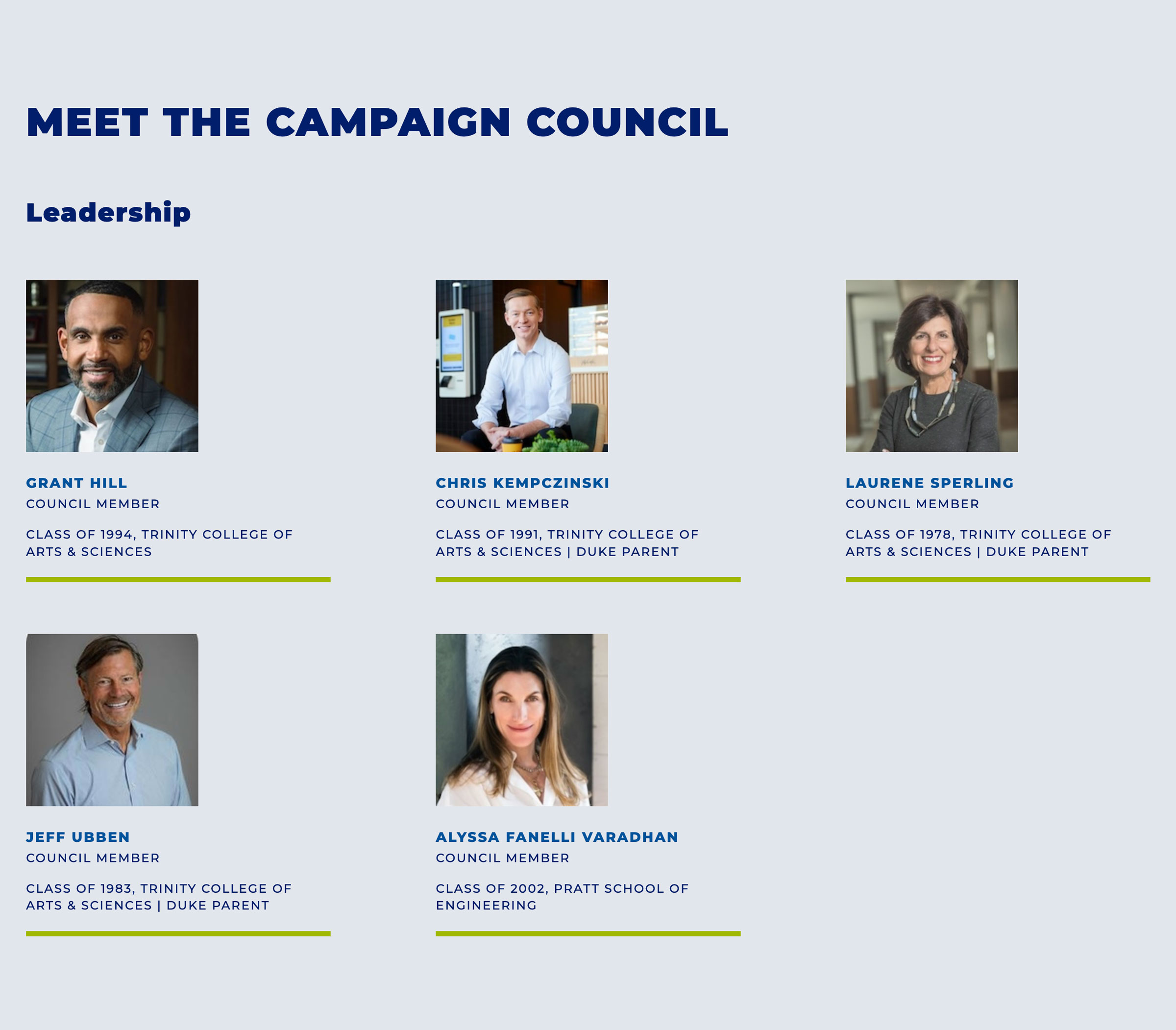
Two components an editor fills in without a developer. The quote is a blockquote carrying the speaker’s name and title next to a portrait. The leadership grid nests one level — each subdivision holds its own set of people, and each card carries a name, a title, and a class year when there is one.
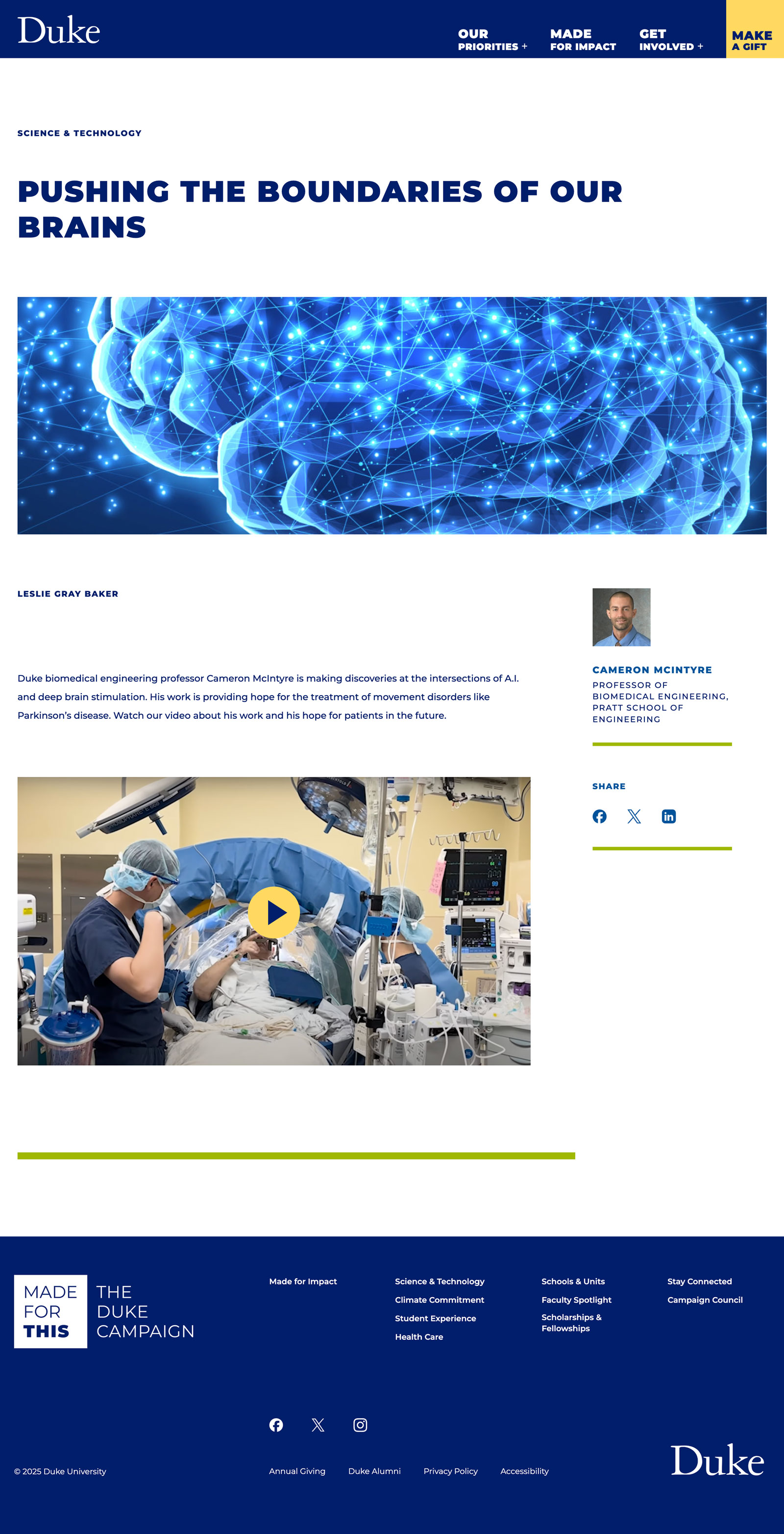
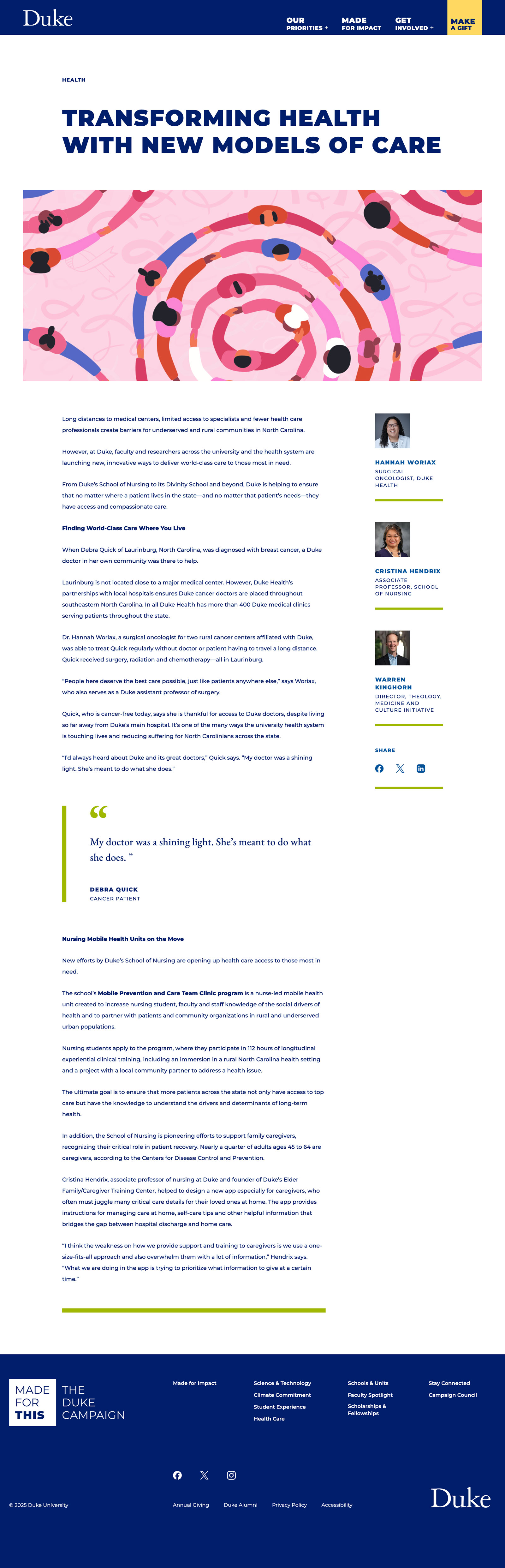
Article Page
Articles are assembled in a rich text editor, so an editor drops images, video, pull quotes, and author lists into the body without a template change. Embedded Vimeo does not start on its own — each video sits behind a poster and a play button and plays when someone presses it. Share links to Facebook, X, and LinkedIn are ordinary links, each labeled with where it goes.